Written in byJustin Tomlinson Founder, Rollr Pro
How Does Job Costing Software Work for Asphalt Paving Contractors?
How job costing software tracks materials, labor, and equipment for asphalt paving contractors, what it does differently from estimating tools, and how to choose the right platform.
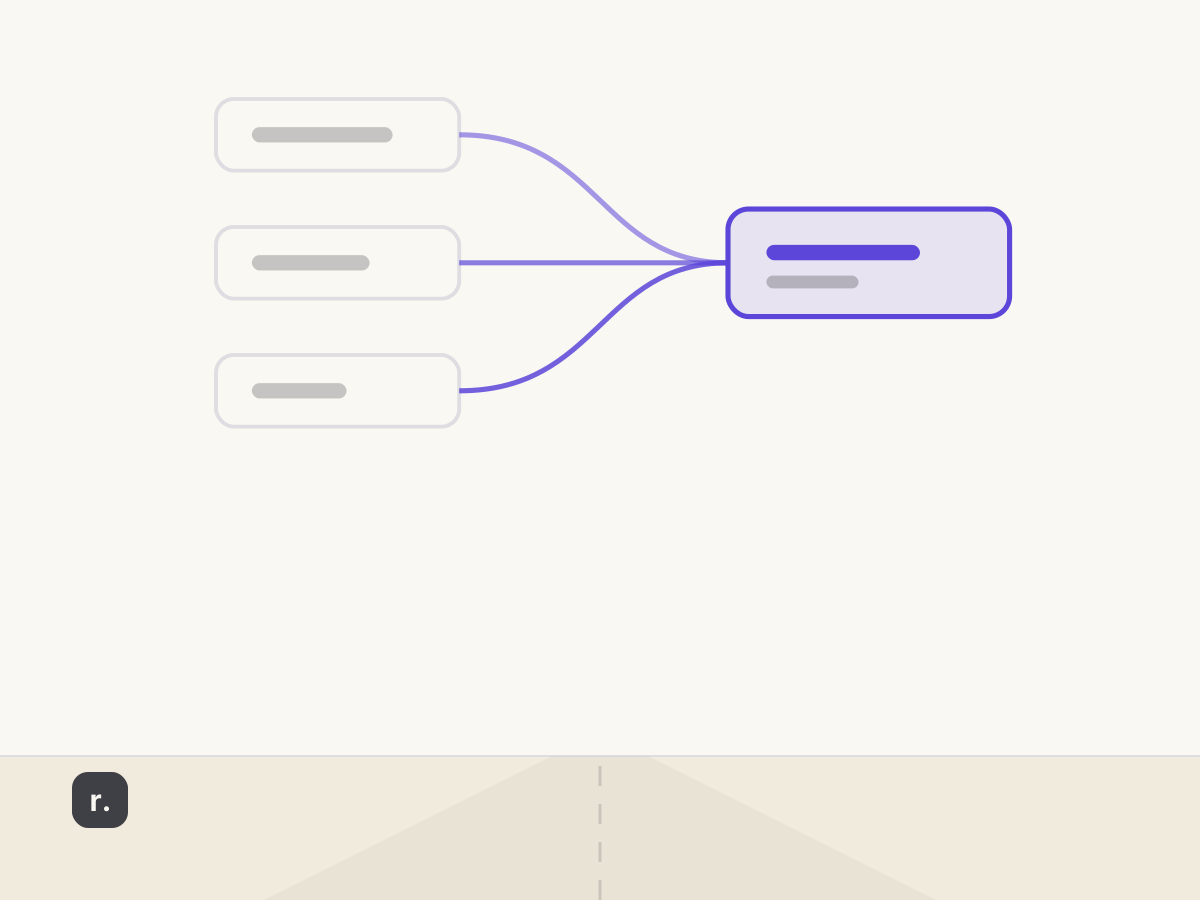
Many paving contractors confuse estimating software with job costing software. Estimating software calculates what a job should cost before work begins; job costing software tracks what a job actually costs as work executes. The distinction matters because without job costing, contractors can finish a year with strong revenue and discover too late that individual jobs eroded margin. Rollr Pro is built for asphalt paving contractors managing two to five crews who need both functions connected in one system, from the initial site estimate through final invoice. Understanding how job costing software works is key to choosing a platform that delivers genuine visibility rather than a static bid document that stops being useful the moment the crew mobilizes.
How does job costing software work for asphalt paving, and what does it actually track? Job costing software for asphalt paving records estimated costs at the bid stage, then captures actual material deliveries, crew labor hours, and equipment time as the job progresses. At closeout, the system compares estimated figures against actuals so the contractor sees, job by job, where the margin landed and why it diverged from the original bid.
1. What is job costing software for asphalt paving?
Job costing software refers to platforms that track all costs associated with a specific project separately from the general business ledger, then compare those actual costs against the original budget to surface per-job profitability. For asphalt paving contractors, this means recording the tonnage delivered to a commercial parking lot separately from the tonnage applied to a residential driveway completed the same week, so the contractor knows which job consumed materials within budget and which ran over.
The distinction from general accounting software is critical. A business accounting platform tracks total material spend across the period. Job costing software attributes each expense to the specific project that generated it. That attribution is what makes pricing decisions data-driven rather than intuition-driven.
For paving contractors managing multiple crews across multiple active jobs, job costing continues to play a crucial role in profitability management. Without it, the business can be busy and growing in revenue while the margins on individual job types quietly erode, a pattern that only surfaces at year-end when it is too late to correct the pricing that caused it.
2. How does job costing software track costs from bid to closeout?
The tracking process in job costing software begins at the estimate stage. When an estimator enters square footage, material specifications, and planned crew size, the software calculates projected costs for each category: asphalt tonnage at current material prices, labor hours at crew rates, and equipment usage at ownership or rental cost. These figures form the budget baseline for that specific job.
As the job moves through scheduling and field execution, data flows back into the same record. Crew timesheets record labor hours against the job. Material deliveries are logged with quantities and invoice prices. Equipment hours are captured through field input or dispatch integration. Each entry updates the job’s actual cost in real time rather than accumulating in a spreadsheet that gets reconciled weeks later.
At closeout, the system produces a side-by-side view of estimated versus actual costs for every category. A contractor can see in one screen that asphalt tonnage came in over estimate because the base required additional material, while labor hours tracked on budget. That job-level finding drives the next similar bid rather than requiring the contractor to estimate from memory.
3. What cost categories does paving job costing software track?
The cost categories that job costing software tracks in a paving operation correspond directly to the line items that determine whether a job lands at the estimated margin or below it. Platforms that capture all five categories give contractors a complete profitability picture; platforms that miss one or more leave a gap that shows up as unexplained cost variance at close.
| Cost Category | What Is Estimated at Bid | What Is Tracked During Execution |
|---|---|---|
| Materials | Asphalt tonnage, sealer gallons, base aggregate | Delivery receipts, quantities used vs. ordered |
| Labor | Crew hours by role and day | Timesheets logged per job |
| Equipment | Hours of paver, roller, dump truck use | Field-reported or dispatch-linked hours |
| Subcontractors | Planned scopes and rates | Invoices received and approved per job |
| Change Orders | Not applicable at bid | Scope adjustments and added costs captured in-system |
Materials represent the largest variable cost in most paving jobs. Asphalt tonnage delivered versus tonnage estimated surfaces discrepancies caused by base conditions, thickness variations, or delivery overages that were not documented.
Labor hours track crew time per job rather than pooling total hours across the week. Per-job labor tracking reveals which job types consume disproportionate crew time relative to their revenue.
Equipment time allocates paver, roller, and truck hours to the job record so contractors can calculate true equipment cost per project rather than carrying it as an overhead pool that obscures job-level economics.
4. How does Rollr Pro handle job costing for asphalt paving contractors?
Rollr Pro is built for asphalt paving contractors who need estimating, scheduling, dispatch, and job costing to operate as one connected system rather than separate tools that require manual data transfer at each handoff. The job costing workflow begins at the estimate stage, where material quantities, crew hours, and equipment requirements are entered against the job record and form the cost baseline for that project.
As the job moves through scheduling and execution, the same record travels with it. Crew assignments link directly to the job. Material and labor data recorded during execution flows into the job’s actual cost automatically. When work closes, the actuals are available for invoice generation without requiring re-entry from a separate system.
The result is a single source of truth for each job’s profitability. Contractors see estimated versus actual costs in real time, not weeks after the books close. That visibility enables mid-job course correction and informs pricing on the next similar project.
5. How does job costing software differ from estimating software?
Estimating software and job costing software serve different functions in the paving workflow, and many contractors use both without understanding the distinction. Estimating software calculates what a job should cost before work begins. It takes square footage, material specifications, crew size, and equipment requirements and produces a bid price. The estimate is a snapshot in time, locked in at the moment the contractor submits the proposal.
Job costing software begins where the estimate ends. Once the job is awarded and work starts, job costing records what the job actually costs. Material deliveries are logged. Labor hours are tracked. Equipment time is captured. At closeout, the system compares actual costs against the estimate and surfaces the variance. That comparison is what reveals whether the estimate was accurate, whether the crew executed efficiently, or whether site conditions drove unexpected costs.
The most effective paving platforms combine both functions. The estimate sets the budget baseline. Job costing records actual spending against it. Contractors who use both together can measure the gap on every project and refine their estimating accuracy over time.
6. What should paving contractors look for in job costing software?
When evaluating job costing platforms, paving contractors should prioritize three capabilities: real-time cost tracking, integration with field operations, and automated invoice generation. Real-time tracking means labor, material, and equipment costs flow into the job record as they occur, not days or weeks later. Integration with field operations means crew timesheets, material deliveries, and dispatch data feed directly into the job costing system without manual re-entry. Automated invoice generation means the system pulls actual costs from the job record and populates the invoice, reducing billing errors and shortening the time between job completion and payment collection.
A secondary consideration is reporting. The software should produce side-by-side estimated versus actual reports at the job level and across the portfolio so contractors can identify which job types generate the strongest margins and which require pricing adjustments. Contractors managing multiple crews benefit from crew-level reporting as well, which surfaces whether certain crews consistently execute within estimate or run over.
Standalone estimating tools like QuoteIQ offer entry-level functionality; QuoteIQ pricing starts at $29.99 per month for asphalt paving estimating software, making entry-level tools accessible to small contractors. However, standalone estimating does not replace the full job costing cycle. Contractors who need cost tracking from bid through closeout require a platform where estimating, execution, and invoicing share one connected record.
FAQ: Job Costing Software for Asphalt Paving
How does job costing software work for asphalt paving?
Job costing software for asphalt paving captures the estimated budget at the bid stage, then records actual material deliveries, crew labor hours, and equipment time as the job executes. At closeout, the system compares estimated costs against actuals for each category, giving the contractor a per-job profitability view without waiting for the monthly accounting close.
What is the difference between estimating software and job costing software for paving?
Estimating software calculates what a job should cost before work begins. Job costing software tracks what the job actually cost during and after execution. The most effective paving platforms combine both: the estimate sets the budget baseline, and job costing records actual spending against it so contractors can measure the gap on every project.
What cost categories does paving job costing software track?
Paving job costing software tracks materials including asphalt tonnage and sealer gallons, crew labor hours by role, equipment hours for pavers and rollers, subcontractor invoices, and change orders captured during execution. Platforms that link all five categories to the job record give contractors a complete picture of where costs landed relative to the bid.
Can job costing software integrate with invoicing for paving contractors?
Yes. Platforms designed for paving contractors link job cost actuals directly to the invoice so no figures need re-entry by hand. When a job closes, the system pulls recorded material, labor, and equipment costs into the invoice automatically, reducing billing errors and shortening the time between job completion and payment collection.
Is job costing software worth it for smaller paving contractors?
For contractors managing even two crews, job costing software provides the per-job visibility that manual tracking cannot deliver. Without it, contractors routinely discover at year-end that high-revenue months concealed low-margin jobs. Per-job cost data enables more accurate pricing on future work and identifies which job types generate the strongest returns over time.
Staying informed on job costing software is key to making pricing decisions that compound over time. As 2026 progresses, paving contractors who connect their estimating, field tracking, and invoicing in one system are better positioned to identify their most profitable job types, correct margin erosion before the books close, and price future work from a real dataset rather than from experience alone. One connected record, from first estimate to final invoice.
Share this article:
Related posts

August 21, 2026
Asphalt Paving Estimation Software: How to Estimate Faster and Win More Bids
What features matter most in asphalt paving estimation software, how automated takeoffs reduce bid turnaround time, and how to link estimates directly to job execution.